Join from one place
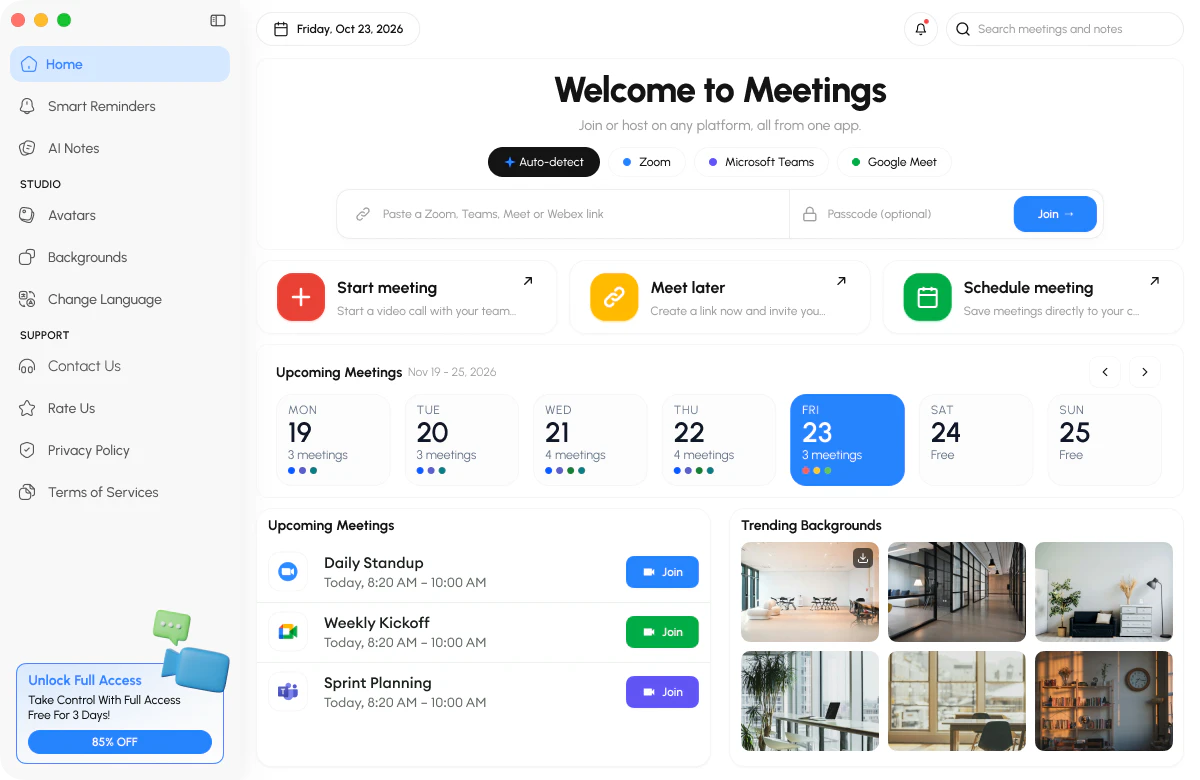
Paste a meeting link or ID. The app detects Zoom, Microsoft Teams, and Google Meet, and accepts an optional passcode.

Every meeting link, one Mac app.
Paste a link or meeting ID and join on Zoom, Microsoft Teams, or Google Meet. Schedule calls, get reminded before they start, and keep your meeting notes in the same window.
Paste a meeting link or ID. The app detects Zoom, Microsoft Teams, and Google Meet, and accepts an optional passcode.
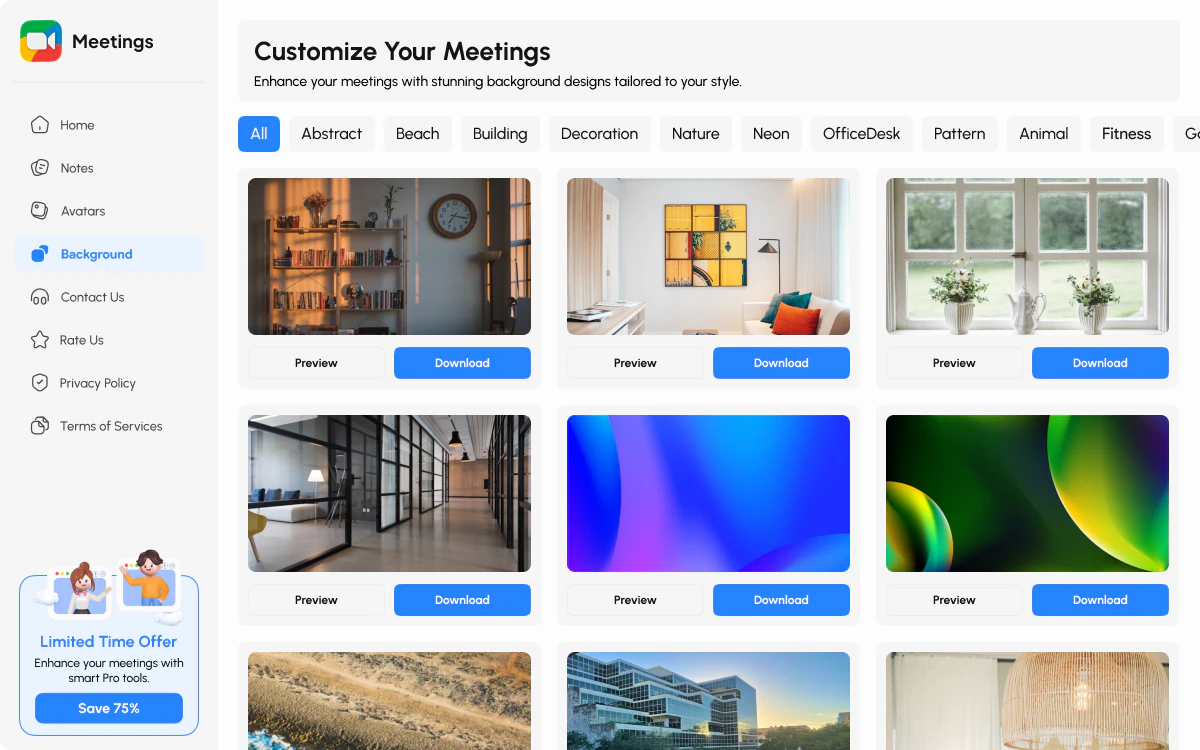
Choose from trending virtual backgrounds and more than 50 AI avatars to use on camera.

Start a call right away, create a link to use later, or save a meeting straight to your calendar.
Get full-screen alerts, pop-ups, and a live countdown in the menu bar before a meeting begins.
Write notes with headings, lists, and formatting, and find earlier notes in your history.
See upcoming meetings day by day, and share invites as text or a QR code.
Payment is handled by Apple. Prices for your region are shown in the App Store, and subscriptions can be cancelled anytime in your App Store settings.
See plans on the App StoreJoin Meetings only asks for access when a feature needs it. You can change these anytime in System Settings → Privacy & Security.
Everything you need about Join Meetings in one place.
Zoom, Microsoft Teams, and Google Meet are trademarks of their respective owners. Join Meetings for Desktop is an independent app and is not affiliated with or endorsed by them.