Draw anything
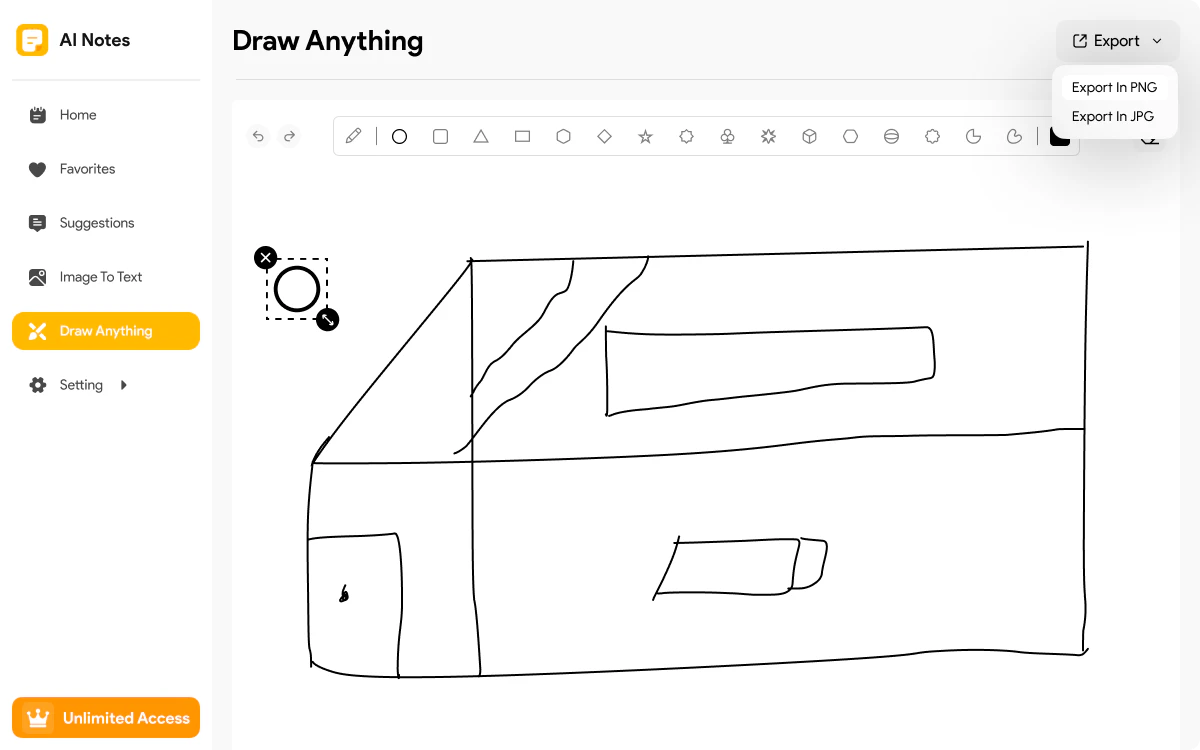
Sketch ideas on a canvas and export your drawing as PNG or JPG.
Notes, sketches, and an AI study partner.
Write formatted notes, sketch on a canvas, pull text out of images, and ask the AI assistant to help you study. Lock private notes with a password and export your work to PDF.
Sketch ideas on a canvas and export your drawing as PNG or JPG.
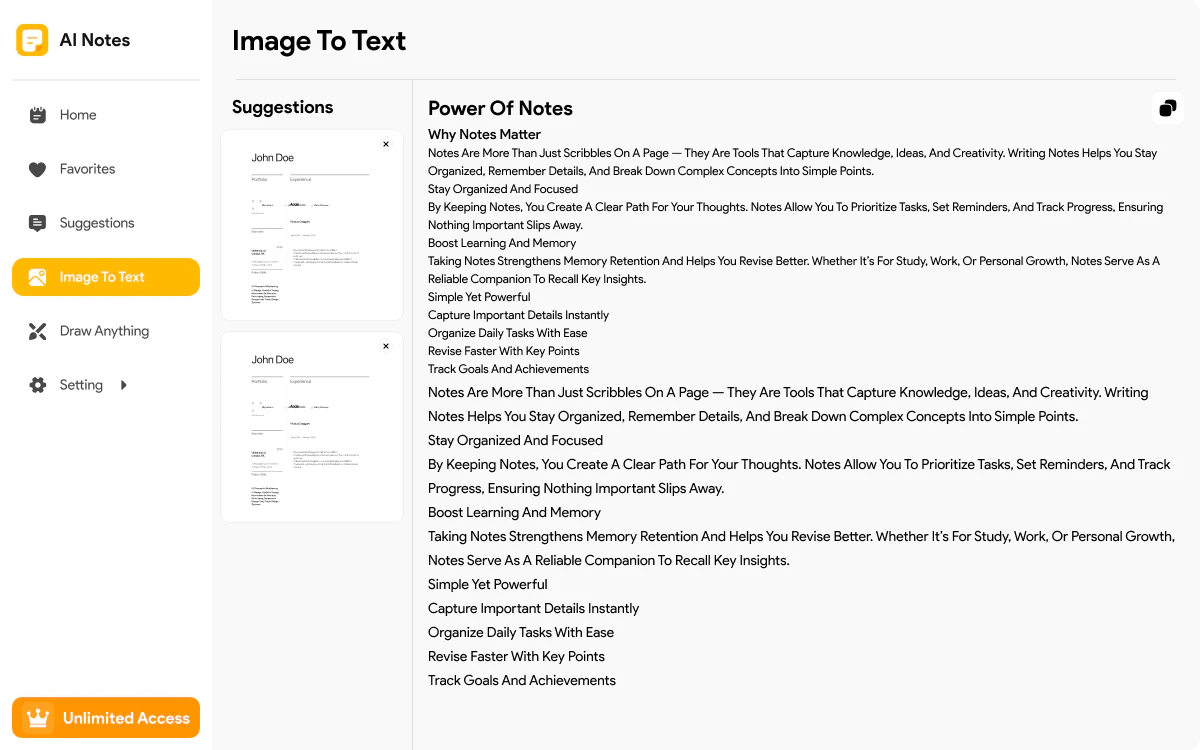
Upload an image and extract its text instead of typing it out.
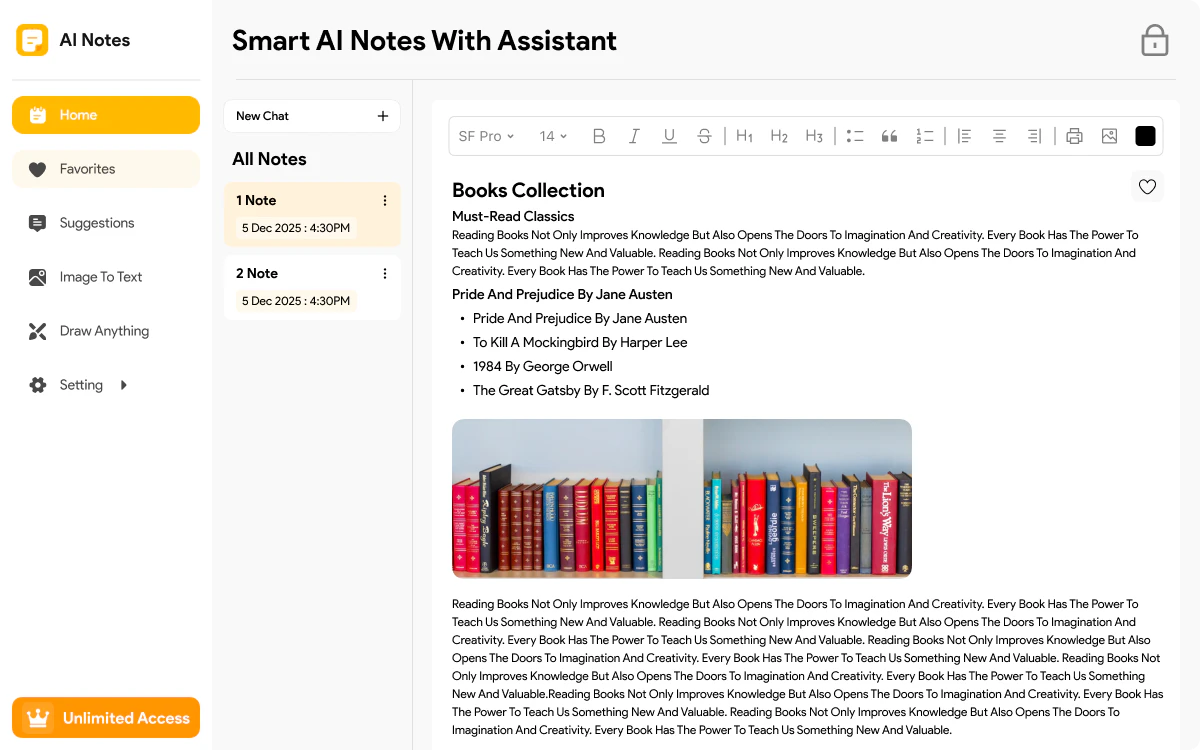
Format notes with fonts, headings, lists, quotes, alignment, colours, and images.
Chat with the AI assistant, start from suggested study questions, and come back to saved chats.
Keep the notes you use most in one place.
Protect private notes with a password, then print or export notes to PDF.
Payment is handled by Apple. Prices for your region are shown in the App Store, and subscriptions can be cancelled anytime in your App Store settings.
See plans on the App StoreStudyFlow only asks for access when a feature needs it. You can change these anytime in System Settings → Privacy & Security.
Everything you need about StudyFlow in one place.